UPI, Cards, Wallets: Building a Multi-Payment Fee System
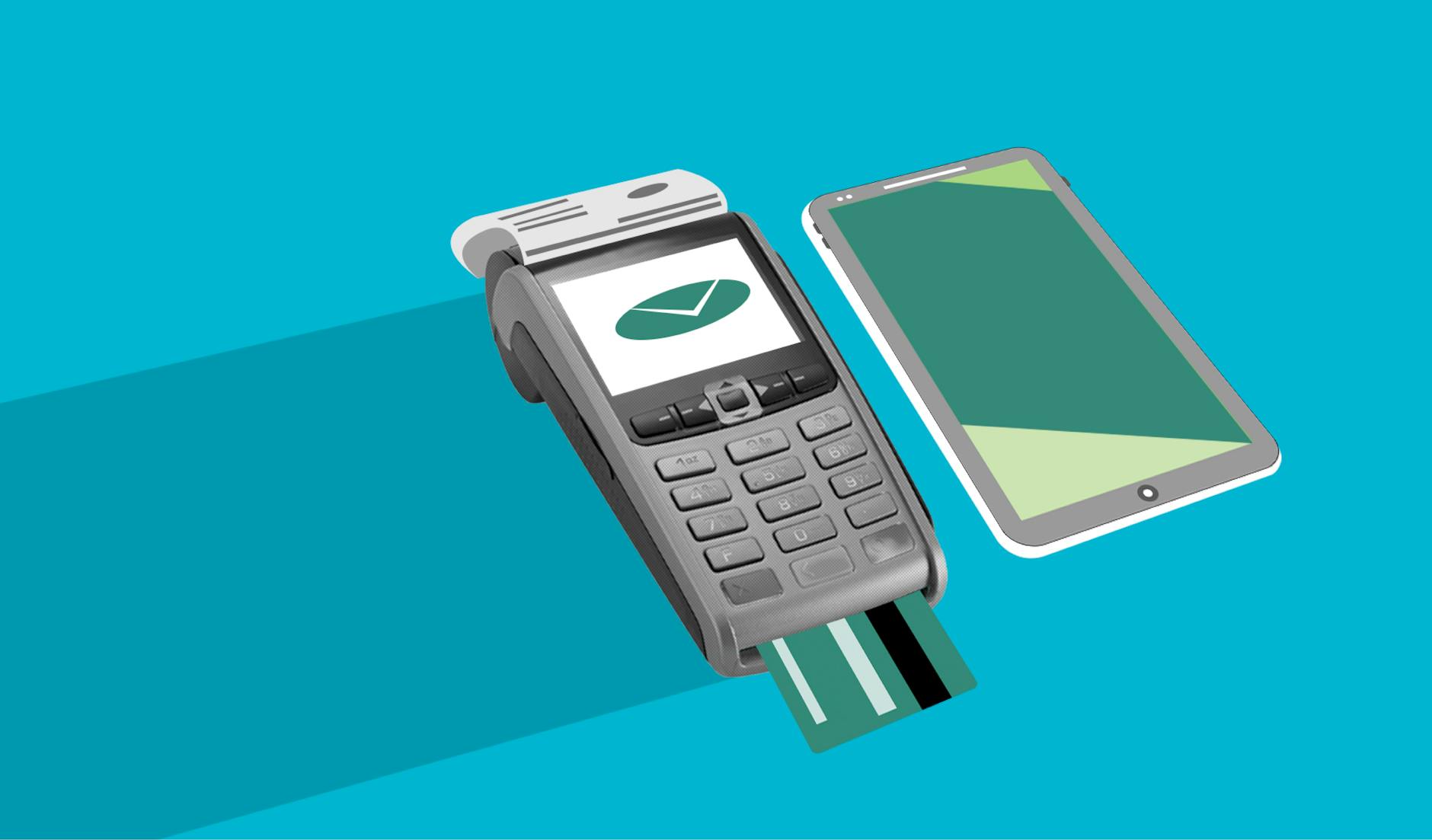
Why One Payment Mode Is Never Enough for Fee Collection
Here is a scenario every school administrator knows well. Fee deadline is tomorrow. A parent tries to pay online but the UPI app throws an error. There is no card option. Net banking times out. The parent gives up and promises to send cash on Monday — which stretches into next week.
One failed payment mode does not just create a collection gap. It creates friction, follow-up calls, and goodwill damage with parents who genuinely wanted to pay on time. As more Indian schools shift to cashless fee collection in 2026 — a trend accelerating from tier-2 towns like Williamnagar to metros like Bengaluru — the institutions succeeding are not simply going digital. They are offering multiple digital payment options simultaneously.
This guide walks you through what a robust multi-payment fee system looks like, why it matters, and how to set one up without burdening your administrative staff.
The Problem With Single-Mode Digital Fee Collection
Many schools make an early mistake: they pick one payment channel — usually a bank's payment gateway — and call it digital fee collection. The result is predictable:
- UPI failures: UPI handles the largest volume of digital payments in India, but app-level errors, bank downtimes, and daily transaction limits affect a meaningful share of transactions.
- Card hesitancy: Some parents, particularly in semi-urban areas, distrust entering card details on an unfamiliar school portal.
- Net banking friction: Older parents find net banking interfaces confusing and time-consuming.
- Wallet blind spots: Younger parents often prefer Paytm or PhonePe wallets for small top-up payments.
When your fee portal only supports one of these, you are effectively locking out a portion of your parent community every single collection cycle.
What a Multi-Payment Fee System Actually Looks Like
A well-designed fee collection setup for an Indian school or college in 2026 should support all of the following without requiring parents to create separate logins or navigate different portals:
1. UPI (Unified Payments Interface)
UPI must be the centrepiece. It is fast, familiar, and works on every smartphone. Your fee portal should generate a UPI QR code or a UPI deep link (which opens the parent's preferred app directly). Critically, payments should be automatically reconciled — so your accounts team does not manually verify each PhonePe or GPay screenshot.
2. Credit and Debit Cards
For larger fee amounts — annual fees, semester fees, hostel deposits — many parents prefer paying by credit card to manage their monthly cash flow. Supporting cards is especially important for colleges and coaching centres with fees above ?10,000. Ensure your gateway supports both Visa and Rupay cards to cover government-sector parents who hold Rupay-only cards.
3. Net Banking
Net banking remains the preferred mode for a significant segment of senior administrative staff, self-employed parents, and those wary of mobile wallets. A good fee system should offer net banking across at least the top 20 Indian banks without making parents navigate away from your school's portal.
4. Digital Wallets
Paytm, Mobikwik, and similar wallets still hold pre-loaded balances for many parents. Accepting wallets removes one more reason to delay payment.
5. Offline Fallback With Online Tracking
For genuinely cash-dependent parents (think: daily-wage earners in rural feeder villages for a semi-urban school), a smart system allows cash collection at the counter to be recorded online — so the fee record, receipt, and reconciliation all happen digitally even if the transaction itself was offline.
Five Practical Steps to Set Up Multi-Payment Fee Collection
Step 1: Audit Your Current Payment Drop-Off Points
Before adding new payment modes, find out where parents currently abandon the process. Ask your accounts staff: how many parents call saying "the payment failed"? Which modes generate the most support queries? This tells you exactly which gaps to fill first.
Step 2: Choose a Fee Platform That Aggregates All Modes
Do not integrate UPI through one vendor, cards through your bank, and net banking separately. This creates a reconciliation nightmare. Choose a dedicated education fee management platform that aggregates all payment modes under one dashboard — so every transaction, regardless of how it was paid, shows up in one place with automatic reconciliation.
Step 3: Configure Fee Structures Before Going Live
Multi-payment setup is only useful if the right fee amount is displayed to the right student. Before launch, configure your fee structure by class, batch, academic year, and any applicable concessions or scholarships. A platform that supports multi-class and multi-branch fee structures means parents always see their correct outstanding amount — no confusion, no overpayment disputes.
Step 4: Automate Receipts Across Every Payment Mode
Whether a parent pays via UPI at 11 PM or via net banking at 9 AM, they should receive an official fee receipt immediately — via WhatsApp, SMS, or email — without any manual action from your staff. This single step eliminates the majority of "did my payment go through?" calls that burden school office staff.
Step 5: Enable the Student Self-Service Portal
Give students and parents access to their complete fee history, outstanding dues, and payment options through a self-service portal. When parents can log in and pay at their convenience — midnight before an exam, a Sunday afternoon — your collection rate improves without any additional effort from your administration team.
What Schools That Get This Right See in Practice
Schools that move from single-mode or cash-heavy collection to a multi-payment digital system consistently report three outcomes:
- Higher on-time payment rates: When payment is frictionless, procrastination drops. Parents pay the moment they get the reminder.
- Fewer staff hours on fee-related calls: Automated receipts and self-service portals handle the queries that previously consumed hours of office staff time each week.
- Cleaner audit trails: Every transaction is timestamped, tied to a student record, and exportable — which matters enormously during annual audits, regulatory inspections, or parent disputes.
Common Mistakes to Avoid
- Adding payment modes without fixing reconciliation: More modes mean more transaction sources. Without automatic reconciliation, you trade one problem for a bigger one.
- Not communicating the new system to parents: Send a WhatsApp broadcast, put up a notice, and have your class teachers explain the portal to students a week before the fee deadline.
- Skipping the fee structure configuration step: A multi-payment portal that shows wrong fee amounts destroys parent trust faster than cash collection ever did.
- Ignoring mobile optimisation: Over 80% of Indian parents will access your fee portal on a mobile phone. If the payment page is not mobile-friendly, drop-offs will be high regardless of how many modes you offer.
Getting Started Without Disrupting Your Team
The good news is that setting up a multi-payment fee system in 2026 does not require IT expertise, hardware purchases, or a lengthy implementation project. Modern education fee platforms are designed for one-day setup, work entirely in a browser, and come with onboarding support. The accounts team learns the dashboard in hours, not weeks.
If your school or college is still relying on a single payment gateway — or worse, primarily on cash — the start of a new academic term is the ideal moment to switch. Parents are expecting communication about fees anyway, which gives you a natural window to introduce a better system.
Ready to offer your parents every payment mode they need — and give your accounts team a dashboard that reconciles itself? Explore how PayMyFees makes multi-payment fee collection simple for Indian schools and colleges, with no hardware, no long setup, and automated receipts from day one.
Frequently Asked Questions
Here's what you need to know about PayMyFees, based on the questions we get asked the most.
We follow a 'T + 2' settlement cycle, meaning the payment will be settled into your bank account in 2 working days from the successful transaction date. This is the same bank account details of which were provided in your KYC documents.
Generally an identity proof with photograph and an address proof are the two basic mandatory KYC documents that are required to establish one's identity.
For KYC, one needs to upload copies of PAN Card, Aadhar Card & a Cancelled Cheque (without signature).
The objective of KYC guidelines is to prevent businesses from being used by criminal elements for money laundering activities. It also enables businesses to understand their customers, their financial dealings so as to serve them better and manage its risks prudently.
For KYC, one needs to upload copies of PAN Card, Aadhar Card & a Cancelled Cheque (without signature). If someone does not upload the KYC documents, settlements to the partner Institute will not happen & shall be withheld. To start settlements to your bank account, we need your bank account details & your PAN details.
Students can be added one-by-one or imported from an Excel file. Format of the Excel file can be found in the panel itself.
Unlimited. There is no limit on the number of students you can add or import.
Students will receive an SMS with their login details on their mobile phones immediately after their account is created in the system - either when you import student details in to the system or when you create their account individually.
Unlimited. There is no limit on the number of Courses, Programs or Batches you can create.
No. You can copy the fees structure & rename it as per your needs. You can also modify, add or remove fee heads if needed in the copied fees structure.
PayMyFee supports & accepts payments from all major Credit & Debit Cards (VISA, MasterCard, RuPay, AMEX, Diners), Internet Banking (All major Indian Banks), Mobile Wallets (Paytm, Mobikwik, JioMoney, etc.), UPI & Prepaid Cards. PayMyFee also supports acceptance of International payments.
As a payment aggregator partner, PayMyFees is required under RBI (Reserve Bank of India) guidelines to complete KYC (Know Your Customer) and AML (Anti-Money Laundering) verification for every institute before enabling live payment collection. This protects your institute, your students, and the payment ecosystem from fraud and ensures your settlements are processed without interruption. We collect two categories of documents:
Authorized Signatory's Documents — to verify the identity of the person authorized to operate the account on behalf of the institute (Aadhar Card, PAN Card).
Institute's Documents — to verify the legal existence and banking details of the institute itself (PAN Card, Cancelled Cheque, Registration Proof, GST Certificate/Non-Enrollment Declaration, Authorization Letter or Board Resolution, and a UBO Declaration where applicable).
All documents are stored securely and used solely for verification purposes. Once verified, your account is activated and you can start accepting payments immediately.
From the PayMyFees Blog
Some quick reads from our official blog. Handpicked for you.

Cashless Fee Collection: How Any School Can Launch in a Day
Continue Reading

Fee Collection for Junior Colleges: Handle Every Course Mode...
Continue Reading

Fee Compliance for Tamil Nadu Schools: Go Digital in a Day
Continue Reading
Faster growth starts with PayMyFees
Join over 300,000+ users who have already used our services.